Idea
While exploring AI capabilities, our engineers created an MVP of a chatbot trained to recommend books based on user input. It showed strong potential as a solution.
Using AI to help bookworms find their next read
At Martinus, an online bookstore, we learned that many bookworm customers struggle to decide what to read next.
They often told us:
‘There is so much to choose from, but which books will I actually like?’
My team’s goal was to help undecided readers choose a book and increase conversion.
While exploring AI capabilities, our engineers created an MVP of a chatbot trained to recommend books based on user input. It showed strong potential as a solution.
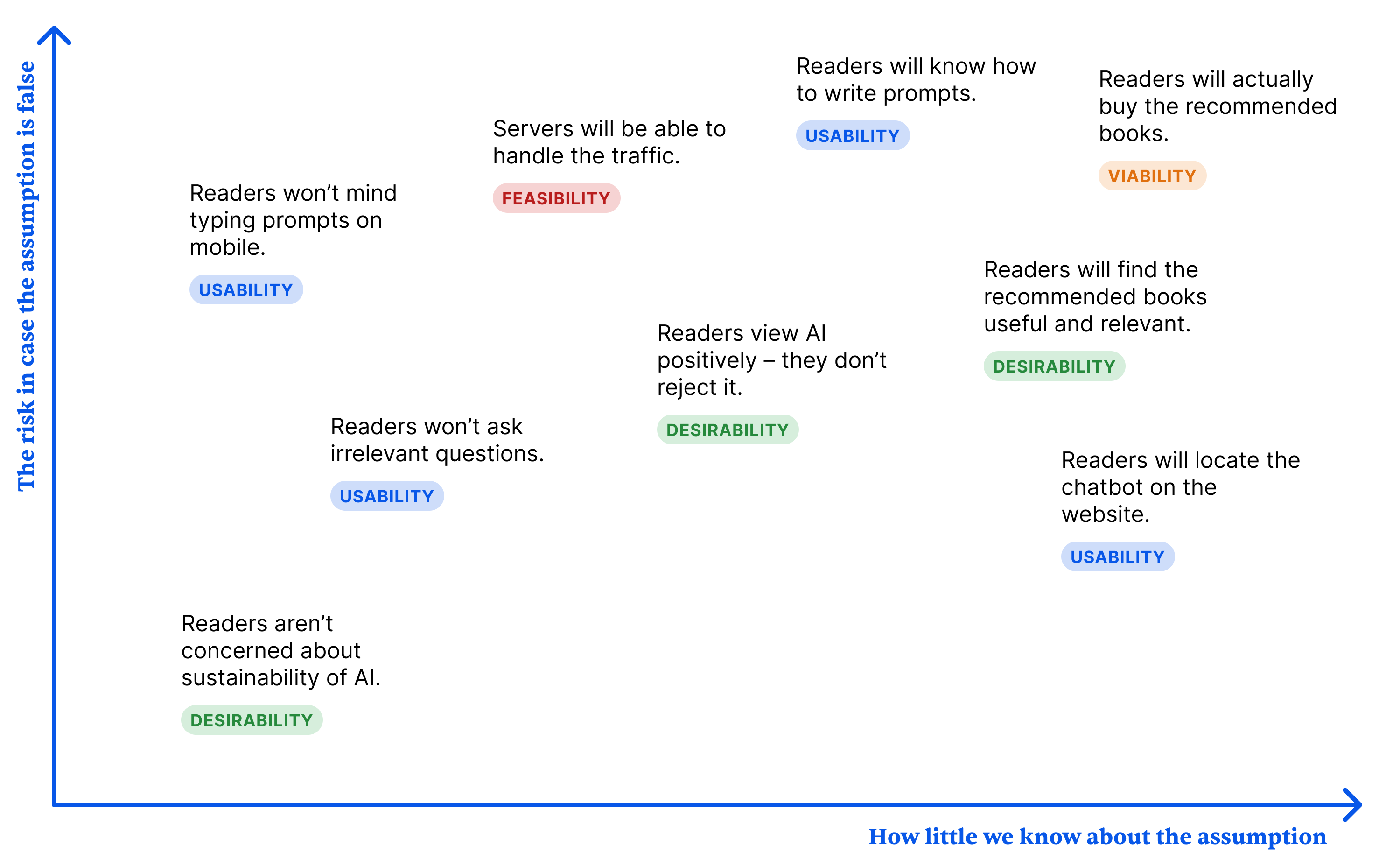
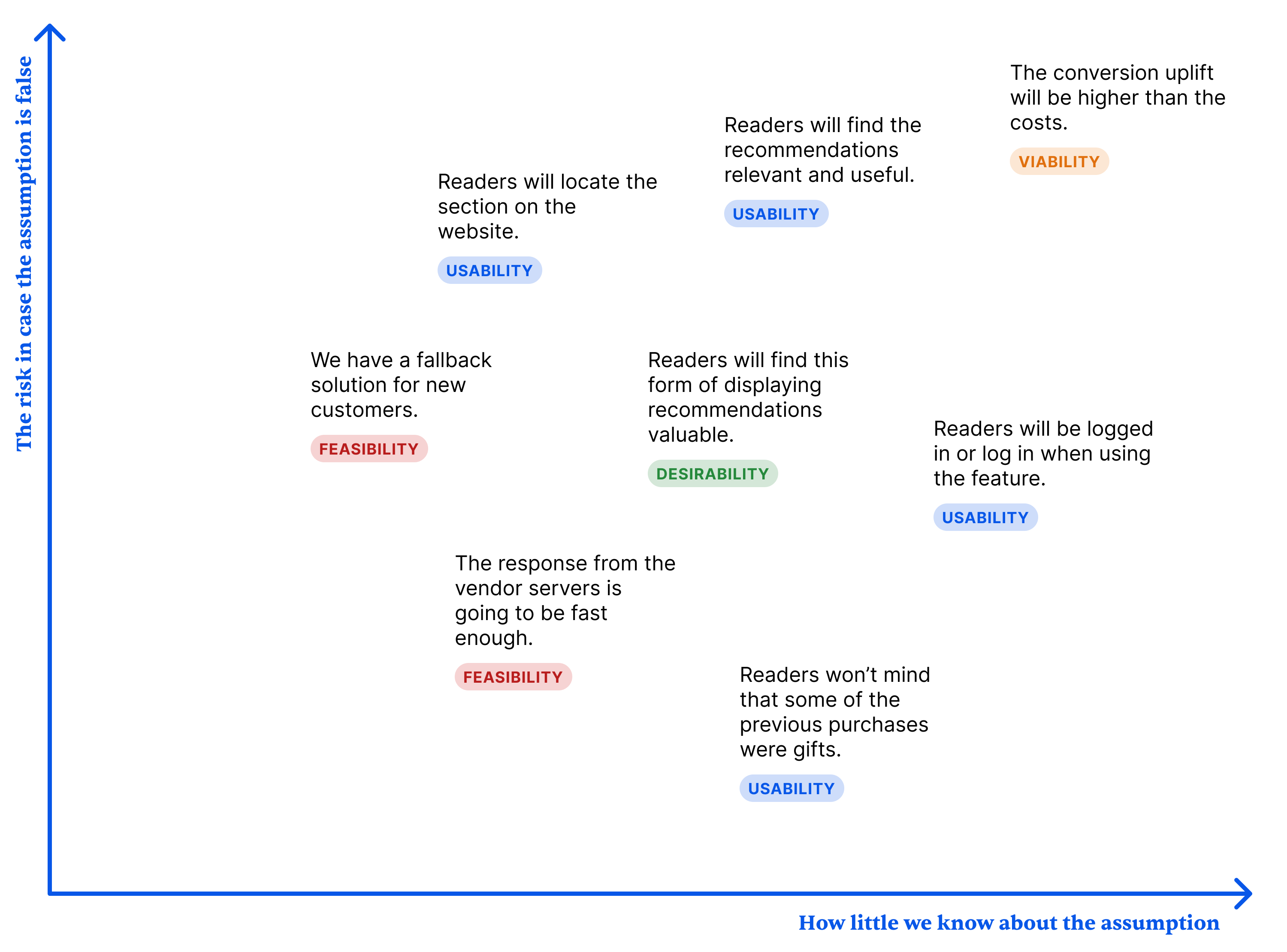
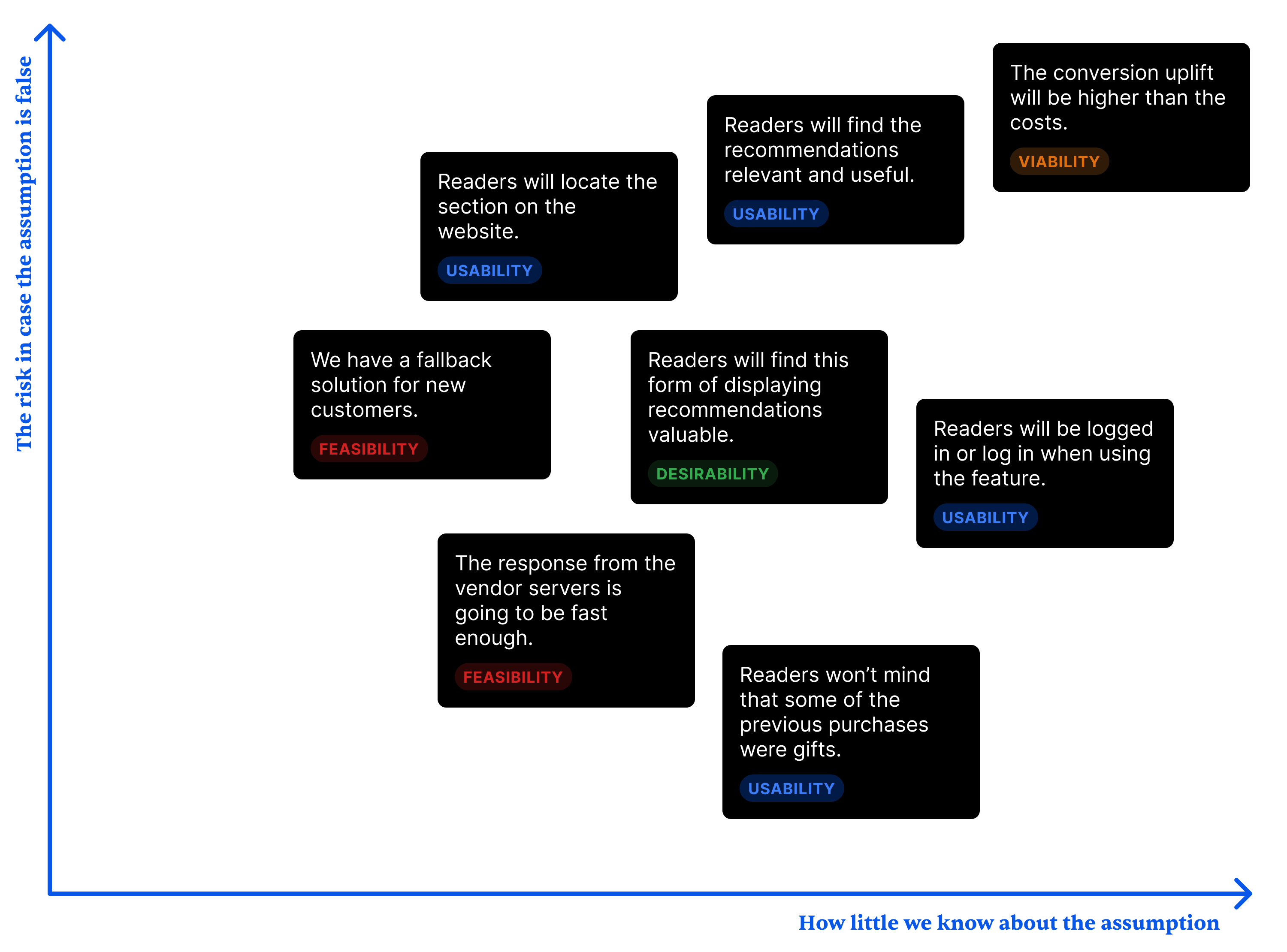
Before making any changes to it, I suggested shipping the MVP and learning from real users first. To clarify and prioritize what we wanted to learn, I led an Assumptions mapping workshop.
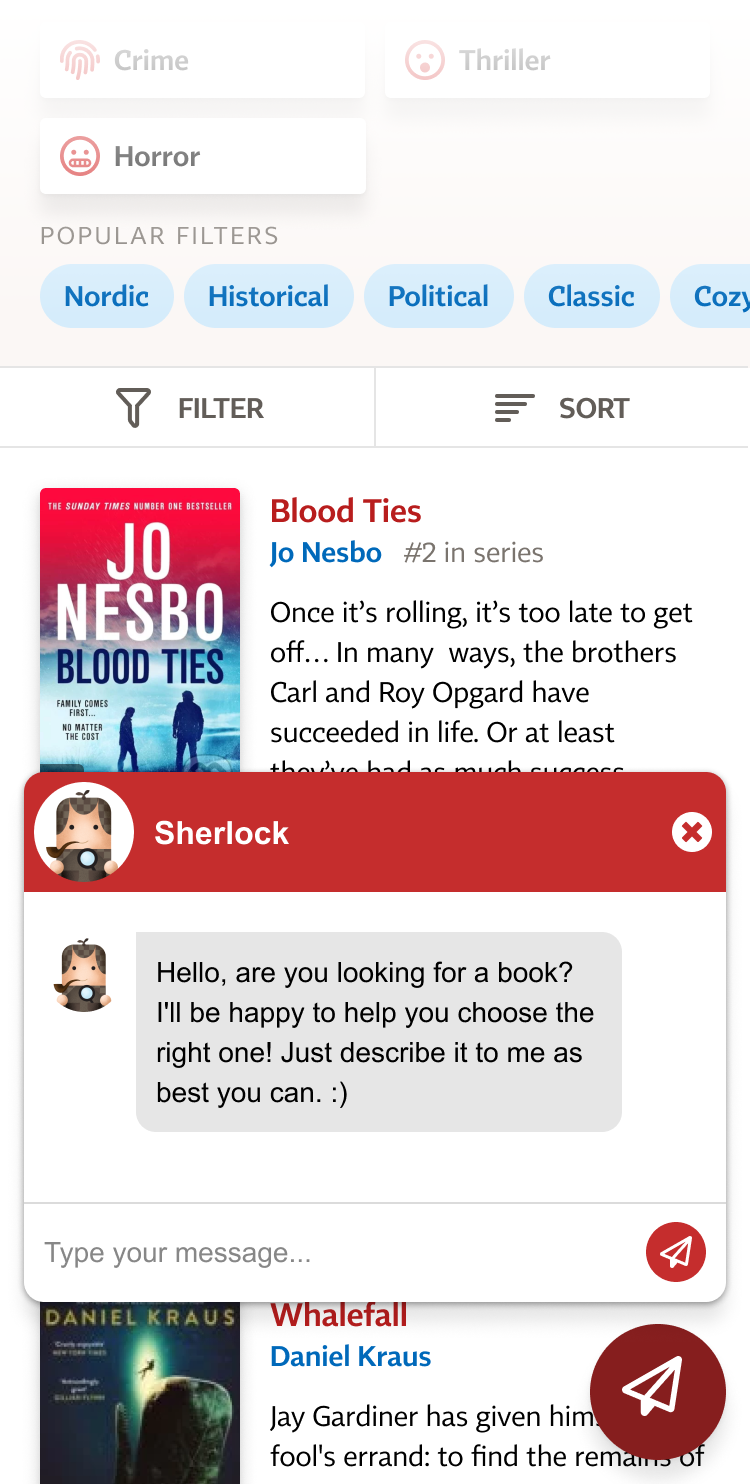
I gathered feedback through usability testing and an after-use survey. We also ran an A/B test and analyzed the prompts.
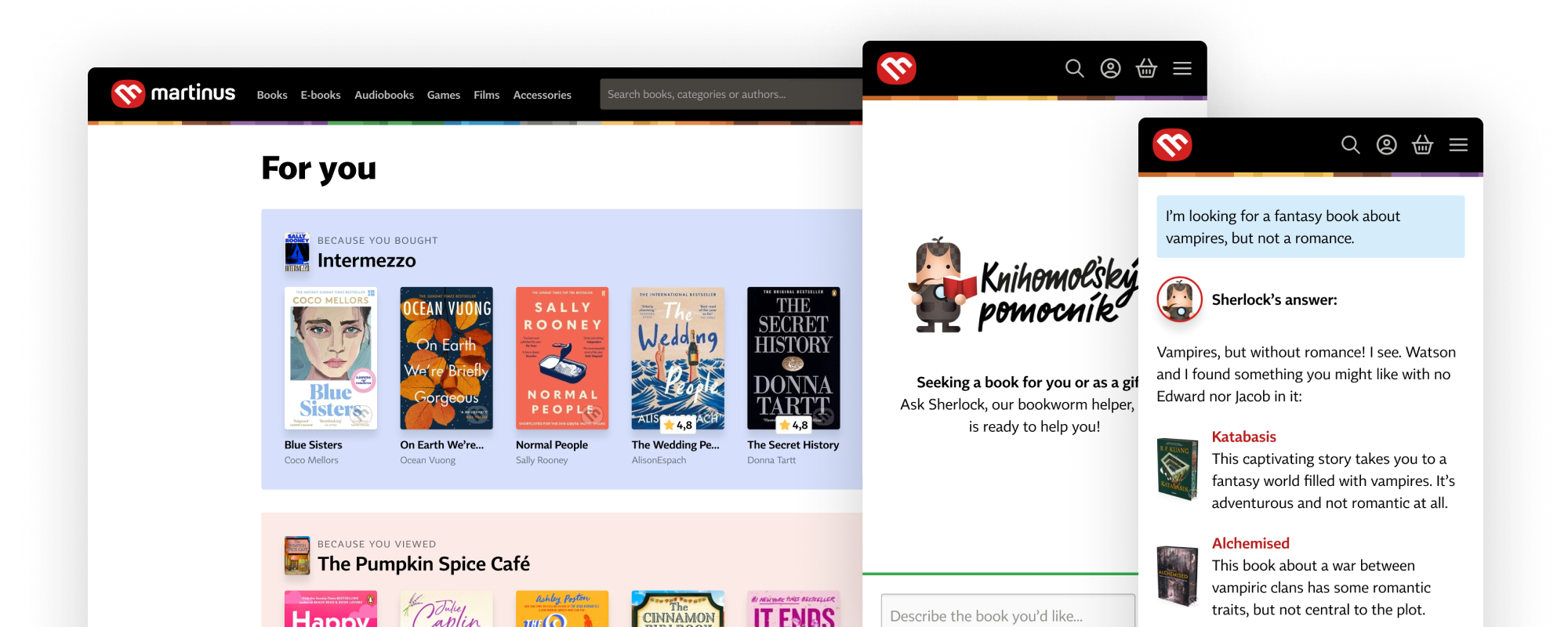
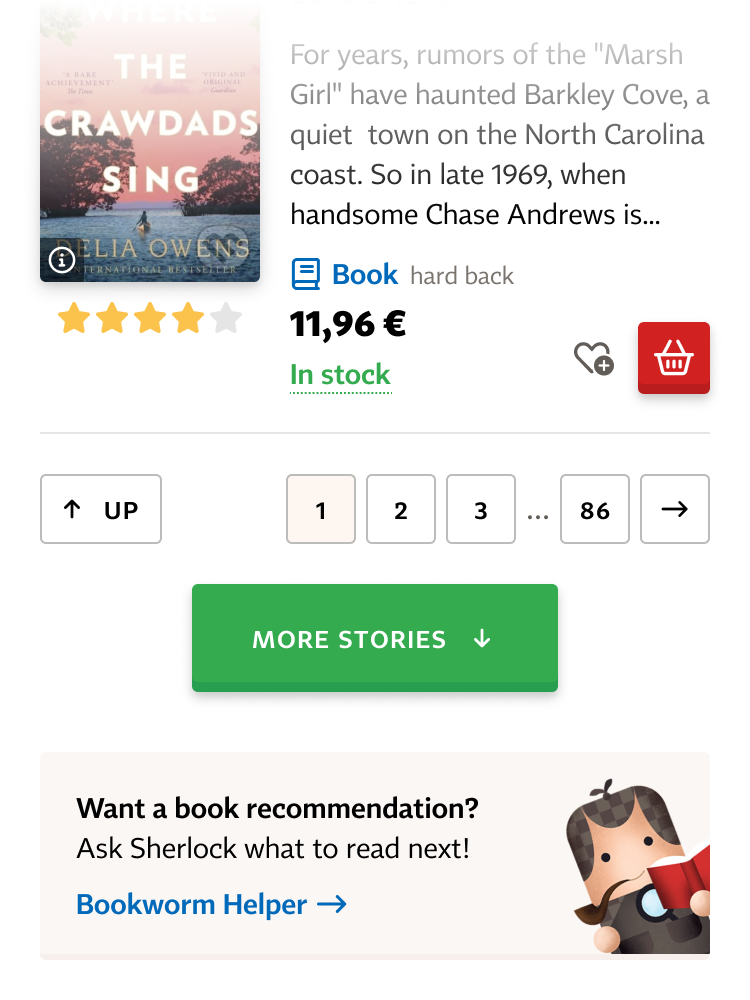
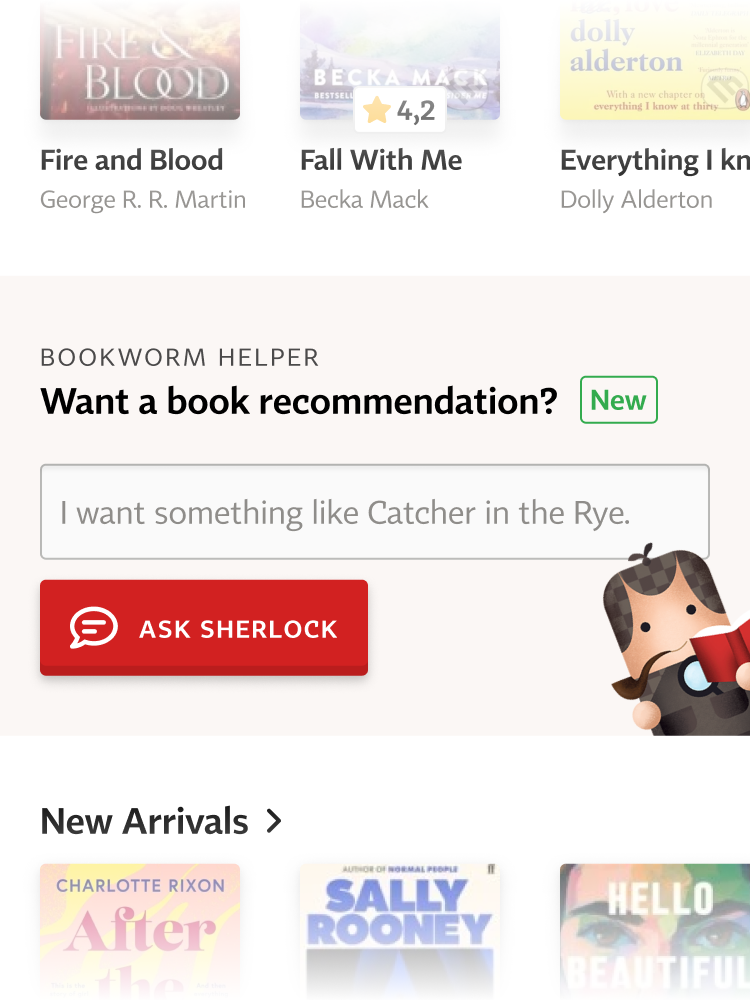
Seeing the potential to increase conversions, we decided to address these issues. I designed a dedicated chatbot section that isn’t limited to a small chat window and no longer looks like customer support.
We named the chatbot Sherlock and replaced a feature called Bookworm Helper, in which customer care employees assisted readers with book recommendations.
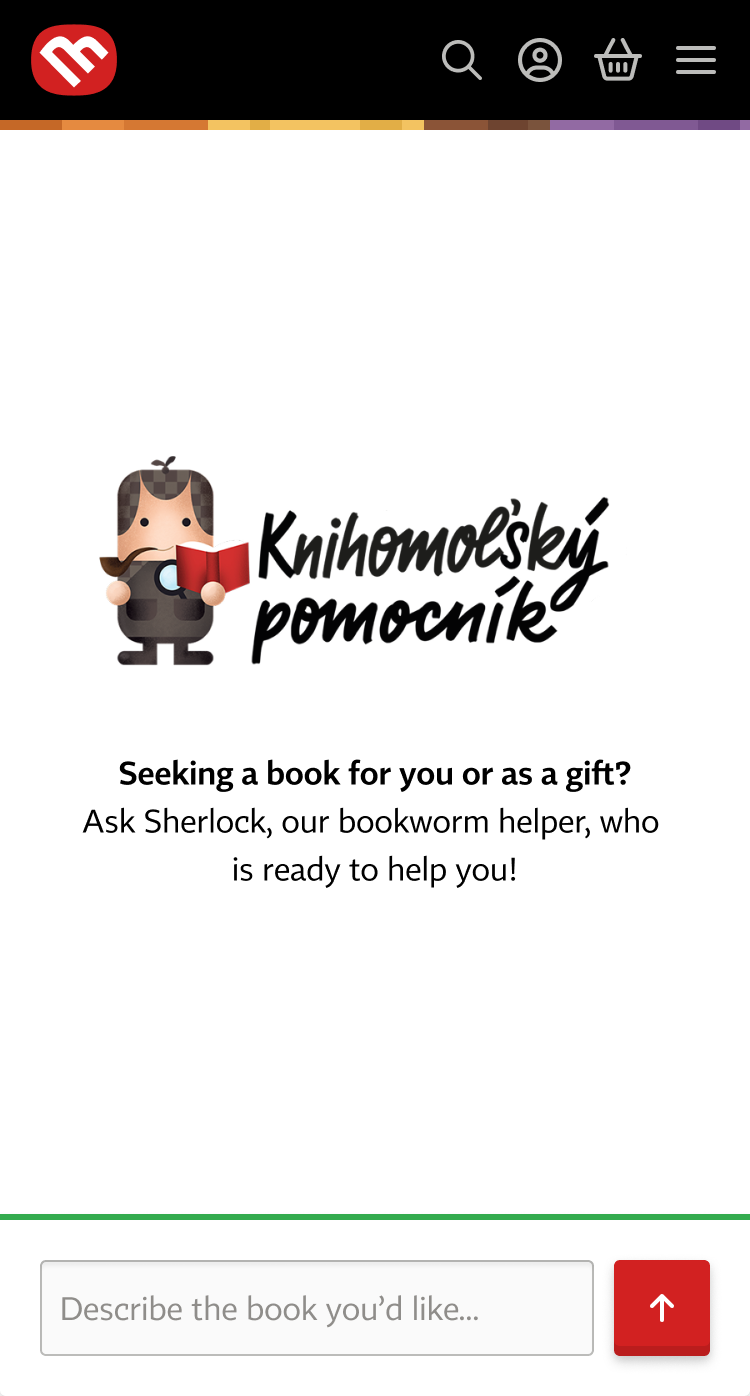

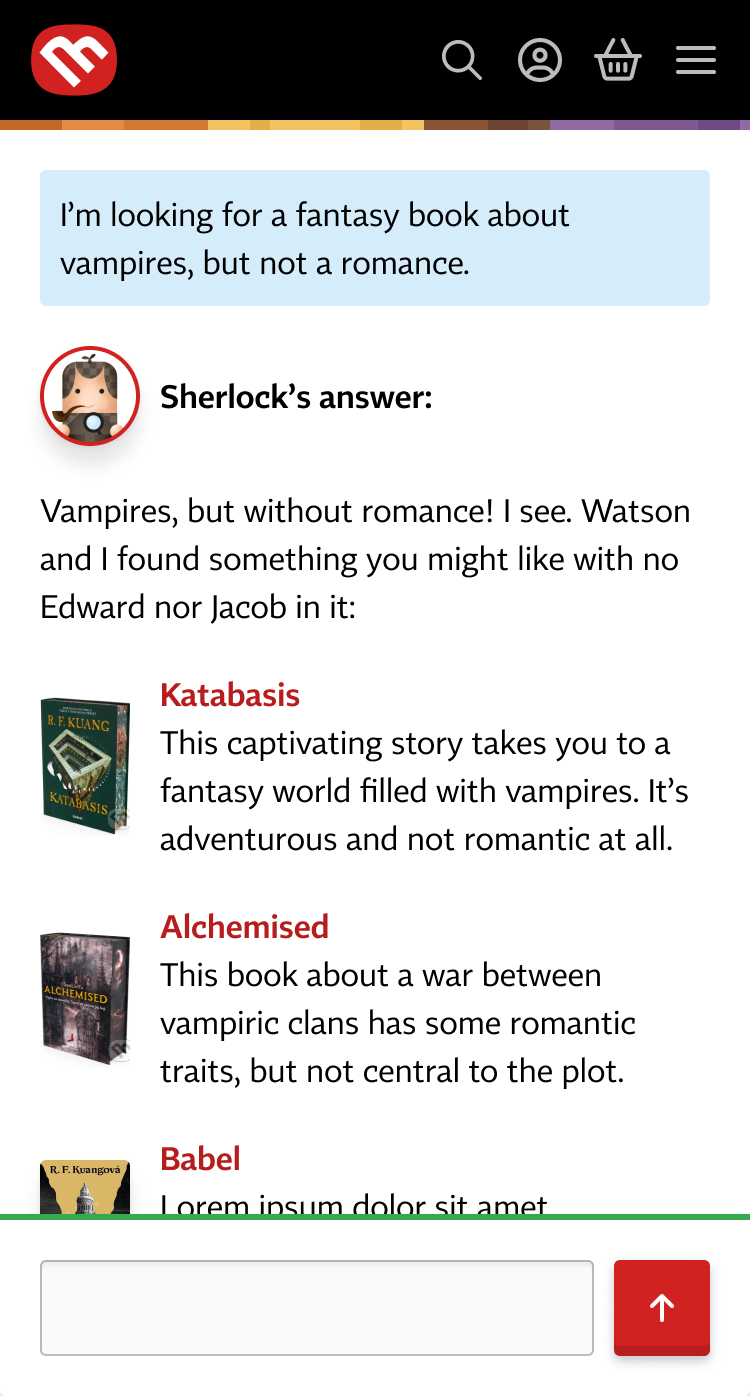
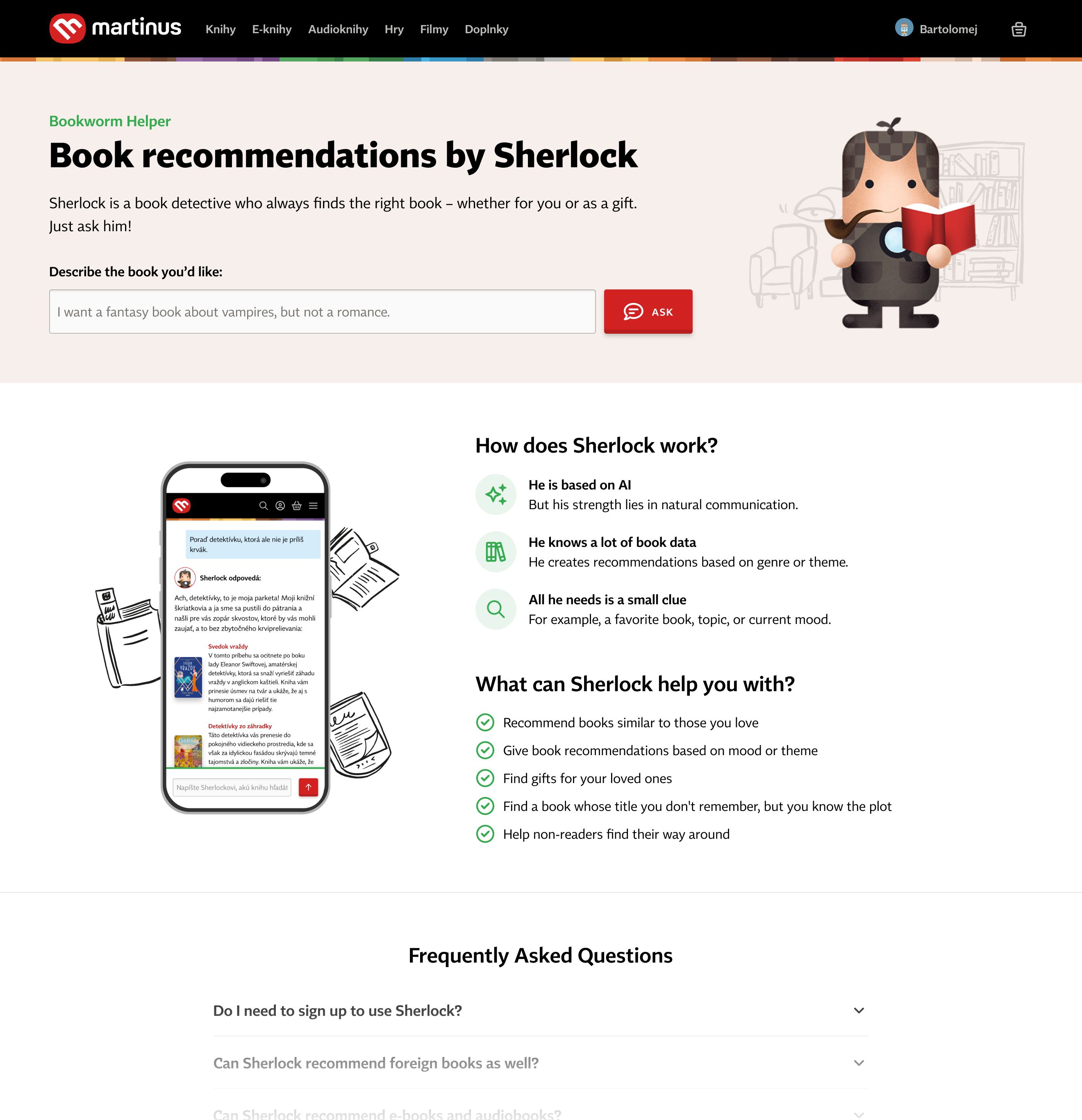

For the chatbot to be useful, users need to find it – and a random ‘sparkles’ icon won’t do. I designed several unintrusive entry points and placed them along the customer journey. This step boosted the number of Sherlock users by almost 900%.

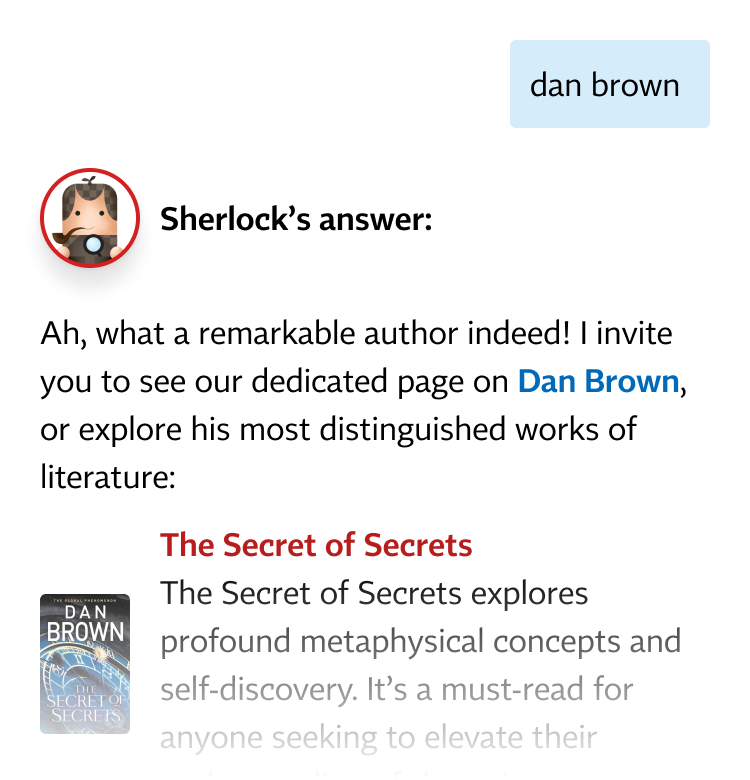
About 75% of users use Sherlock as intended — to get book recommendations. The rest use it differently, so we adapted accordingly:
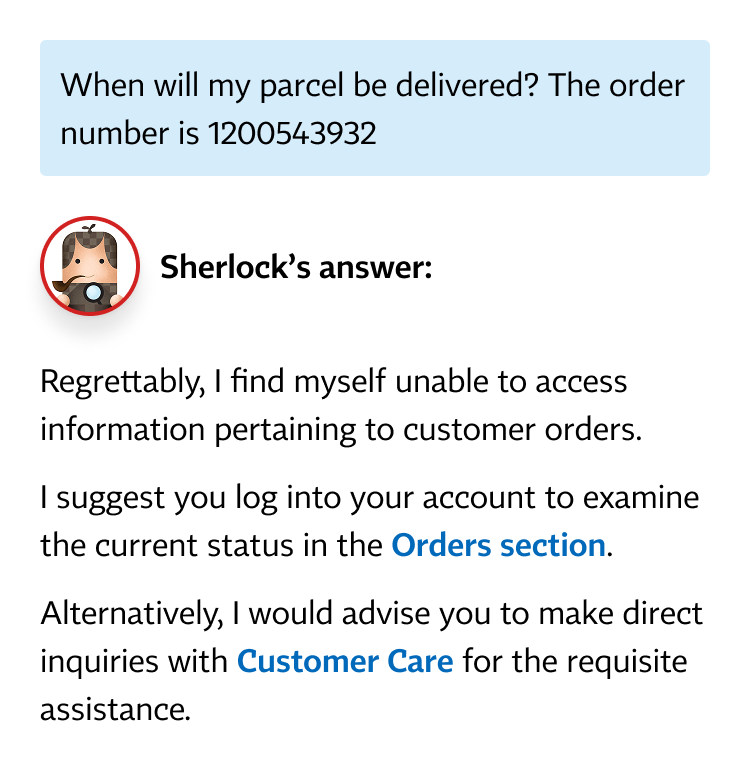
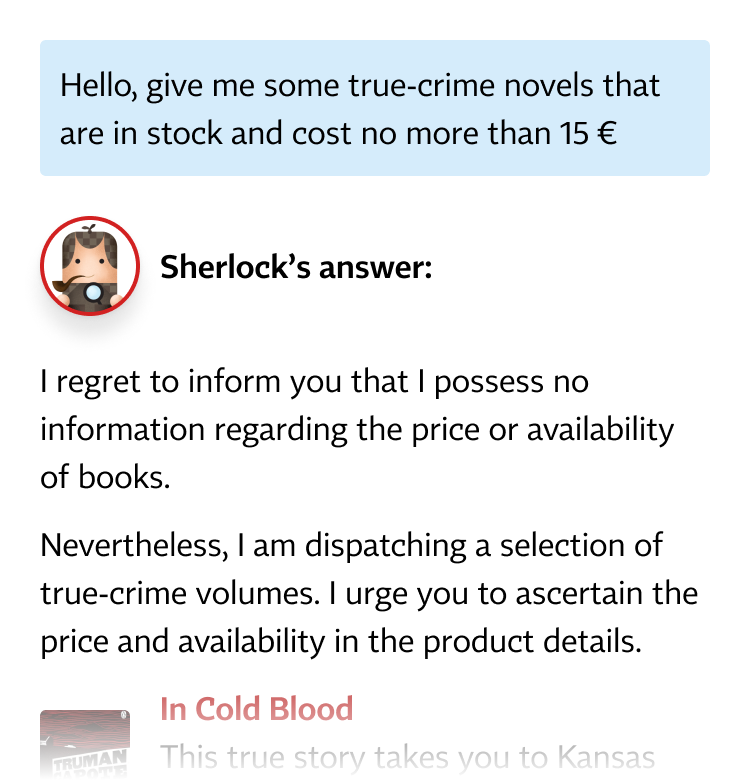
I reviewed conversations that received poor ratings and identified patterns that we plan to address in future updates:
Among Sherlock users, 10% purchased a book it recommended.
Customer support no longer handles book recommendation requests (without a layoff).
In-store clerks use Sherlock to recommend books to customers.
When browsing books, I noticed that many research participants use the ‘Similar books’ carousel on the product detail page. They use it as navigation to explore new books.
I suggested to create a page dedicated to personalised recommendations (now improved with AI), based on books the customer has previously viewed or purchased.
Working with the developer, we explored the simplest way to implement the MVP. I decided to reuse the same component, enhance it, and repeat it several times on the new page. This approach increased loading time, but allowed us to quickly test the concept.
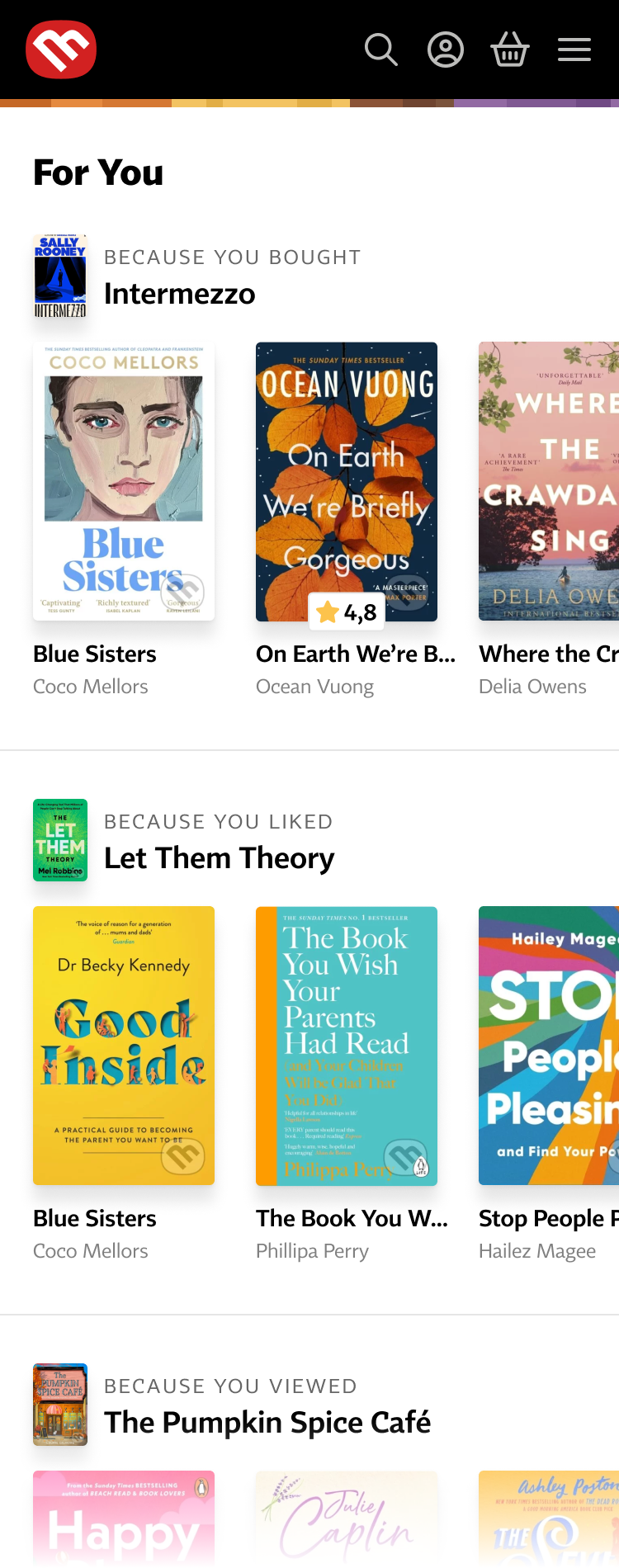
I gathered feedback through usability testing and an after-use survey. We also tracked user engagement and conversions.
Encouraged by the initial results, we rewrote the code to improve loading speed. We then gradually introduced several UX improvements that I designed:
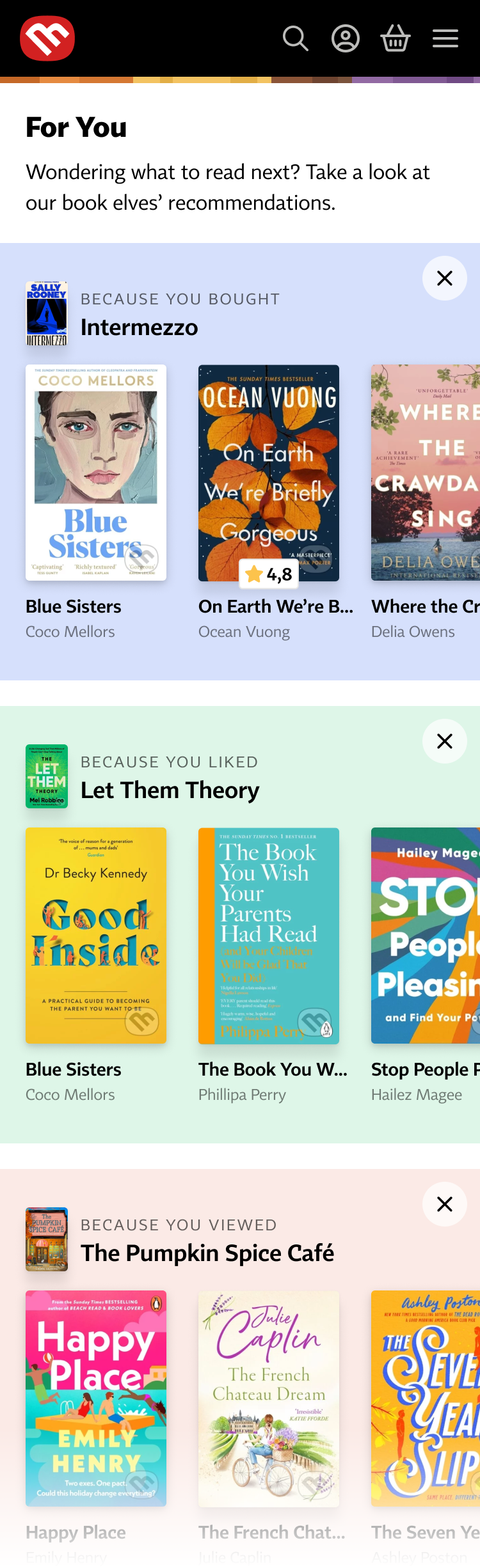

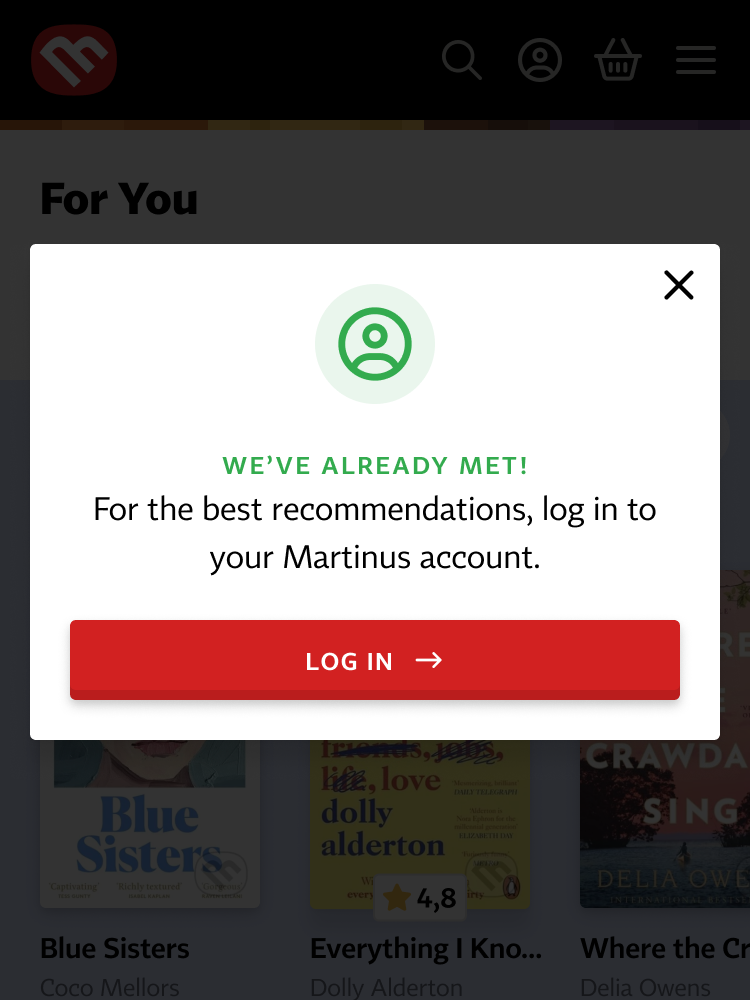

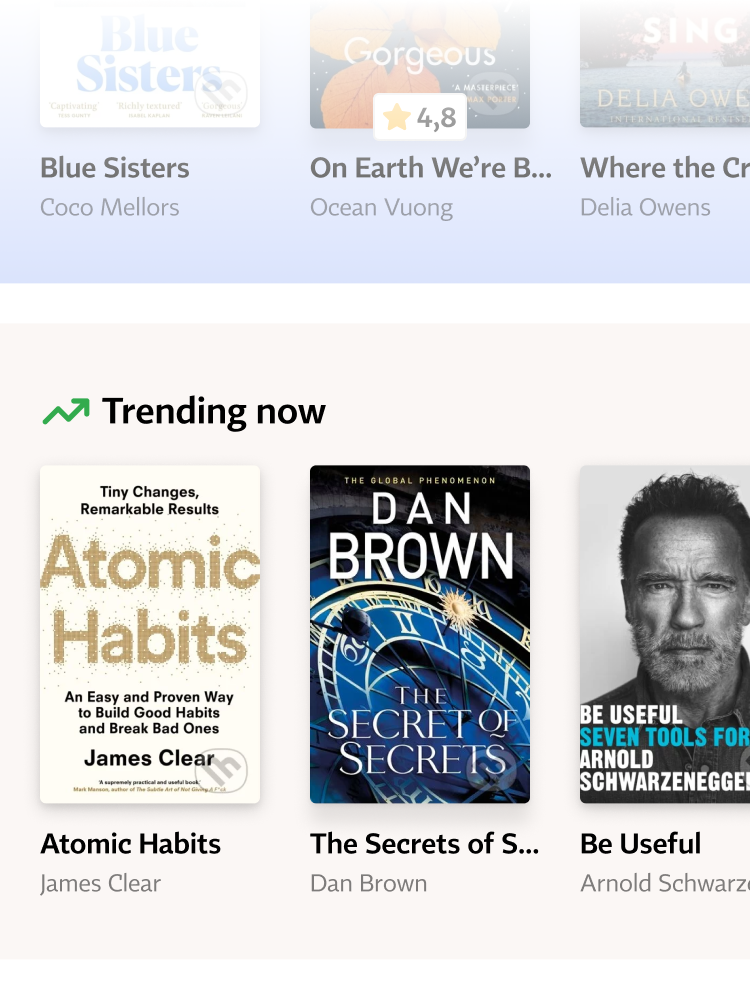
Among ‘For you’ users, 4.5% purchased a book recommended by the feature – well above the site average.
The feature provides clear value to logged-in users and boosted registrations, with 6% of visitors signing up within 15 minutes.